
신규: MiniMax H3 Image, 11월 11일 공개
H3 Image 생성기MiniMax H3 Image 온라인 체험
장면을 설명하거나 참조 사진을 올리고, H3 Image의 Standard 또는 Ultra로 최대 4K 이미지를 만드세요. GPU도, 다운로드도, 설치도 필요 없습니다.
H3 Image란?
H3 Image(MiniMax-H3-Image)는 MiniMax의 이미지 생성 모델로, H3 비디오 모델을 기반으로 만들어져 2026년 11월 11일 오픈 웨이트로 공개되었습니다. 하나의 체크포인트로 텍스트 기반 생성, 참조 이미지 기반 생성, 이미지 편집을 모두 처리하며, 흔한 AI 이미지의 번들거리는 느낌 대신 풍부하고 자연스러운 디테일을 보여 줍니다.
- MiniMax에 따르면 4K(4096 × 4096) 이미지 한 장을 10초 안에 생성합니다.
- 또 다른 강점은 프롬프트 충실도로, 길고 구체적인 장면 설명과 따옴표 안의 짧은 문구를 잘 따릅니다.
- TryH3Image에서는 브라우저에서 바로 실행됩니다. Ultra는 1K~4K, Standard는 1K 또는 2K로 출력하며, 편집에는 참조 이미지를 최대 9장까지 쓸 수 있습니다.
출처: MiniMax 발표 · Hugging Face 모델 카드
H3 Image 예시
필름 사진부터 타로 카드, 게임 콘셉트 아트까지 실제 H3 Image 결과물입니다. 이미지에 마우스를 올리면 시작용 프롬프트를 복사하거나 생성기에서 바로 열 수 있습니다.
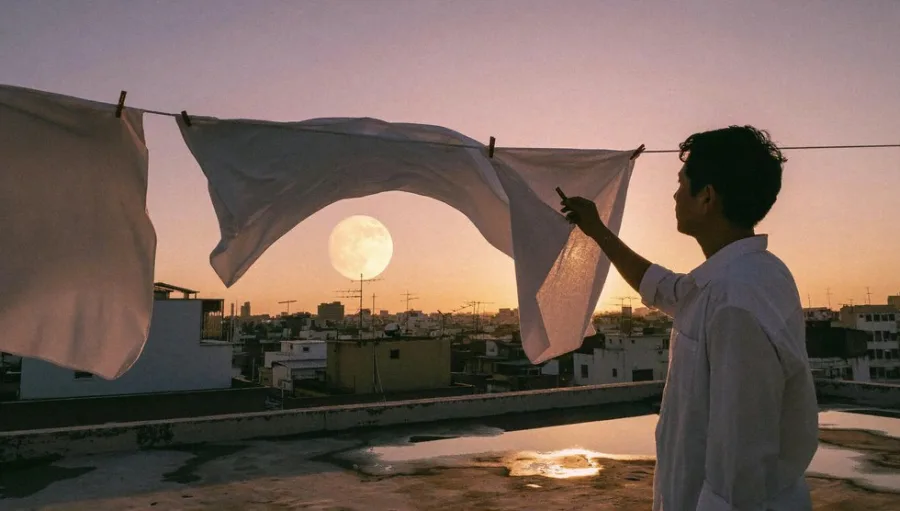
A 35mm film photograph at dusk: a young man in a white shirt hangs white bed sheets on a rooftop clothesline, a huge full moon rising behind the sheets, a low city skyline, warm pink and amber sky, puddles on the concrete reflecting the light.
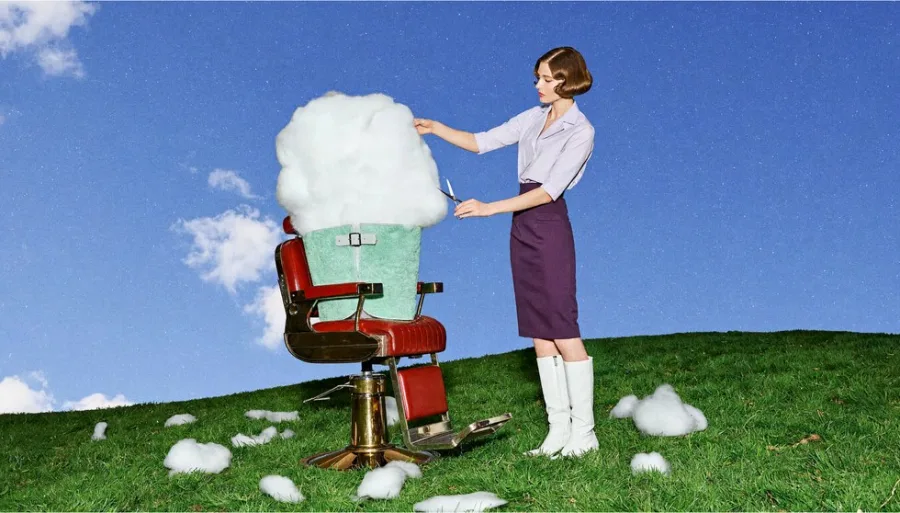
생성기에서 사용A surreal editorial photograph: a 1960s-styled barber trims a fluffy white cloud sitting in a red vintage barber chair on a green hillside, bright blue sky, small cloud tufts scattered on the grass, saturated film colours.
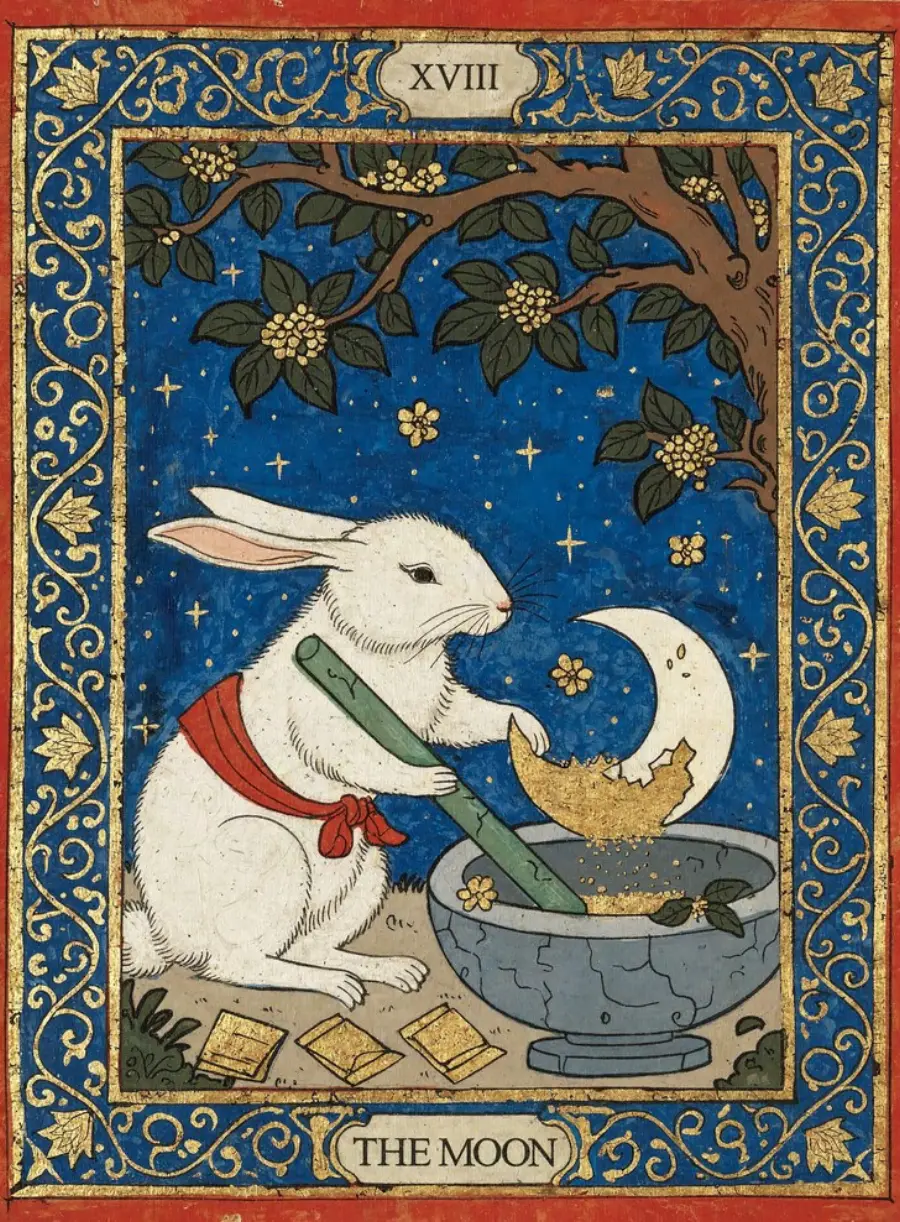
생성기에서 사용An illustrated tarot card with "XVIII" at the top and "THE MOON" at the bottom: a white rabbit wearing a red scarf grinds gold dust under a crescent moon, deep blue night sky, ornate gold and blue floral border, flat gouache style.
생성기에서 사용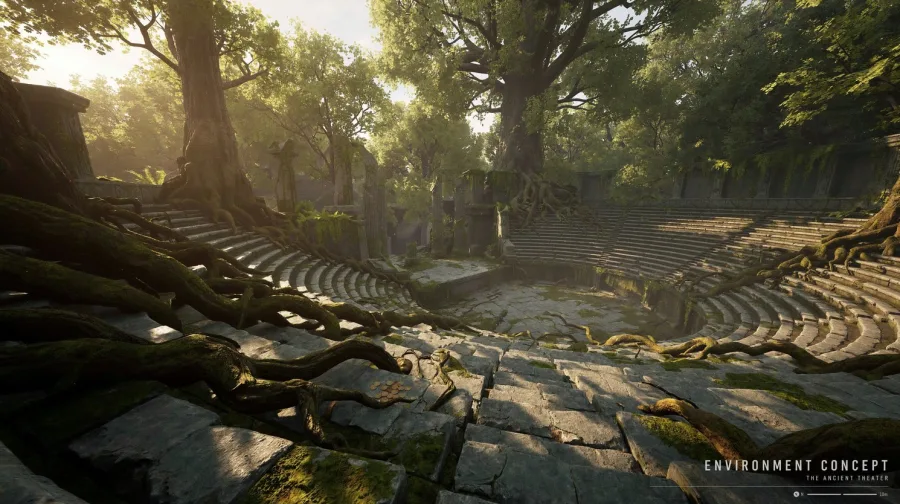
An environment concept frame: the overgrown ruins of an ancient open-air stone theatre in a forest, huge tree roots across the stone seats, warm sunbeams through the canopy, a small caption "ENVIRONMENT CONCEPT" in the lower right corner.
생성기에서 사용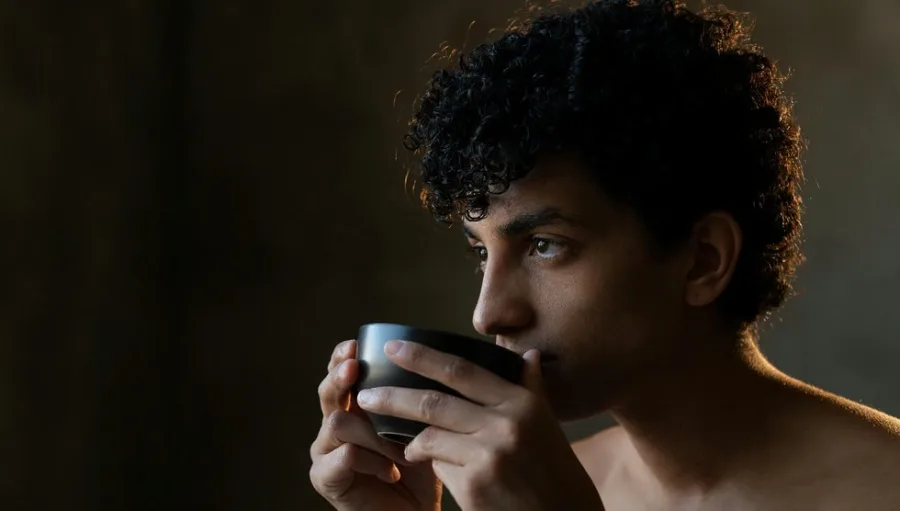
A close-up studio portrait of a curly-haired young man sipping from a dark ceramic cup, eyes looking off to the left, warm low-key side light from the right, deep brown background, real skin texture, shallow depth of field.
생성기에서 사용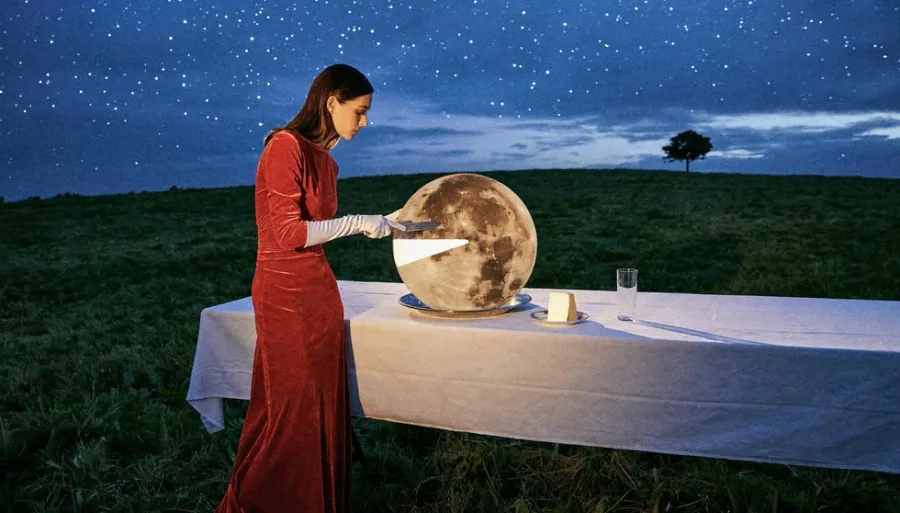
A surreal night photograph: a woman in a long red velvet dress slices a glowing full moon on a white-clothed table in an open field, starry sky, a lone tree on the horizon, cinematic flash lighting.
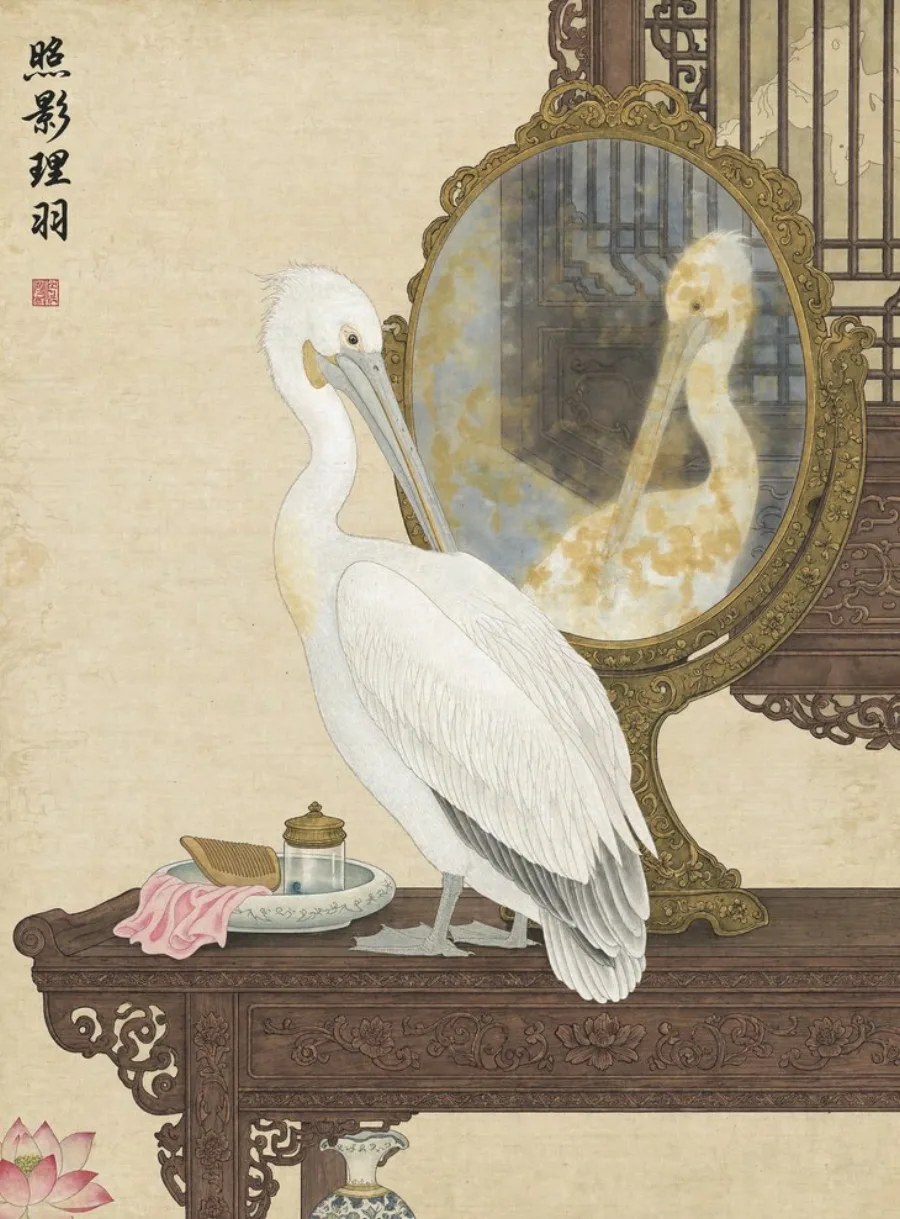
생성기에서 사용A Chinese gongbi painting on aged silk: a white pelican preens in front of an ornate oval mirror on a carved rosewood table, a comb and small dishes beside it, four calligraphy characters and a red seal in the upper left.
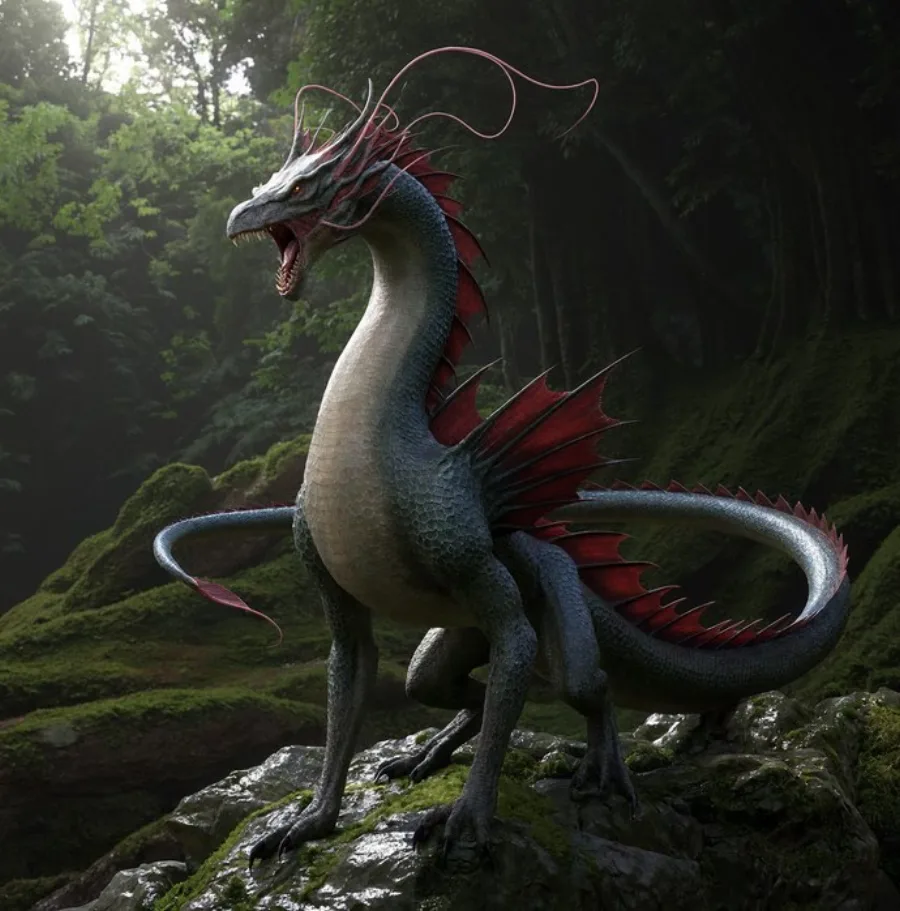
생성기에서 사용A cinematic creature concept: a slender serpent-like dragon with red fins and long whiskers perches on a mossy rock in a dark rainforest, wet scales, soft overcast light through the canopy, photoreal 3D render.
생성기에서 사용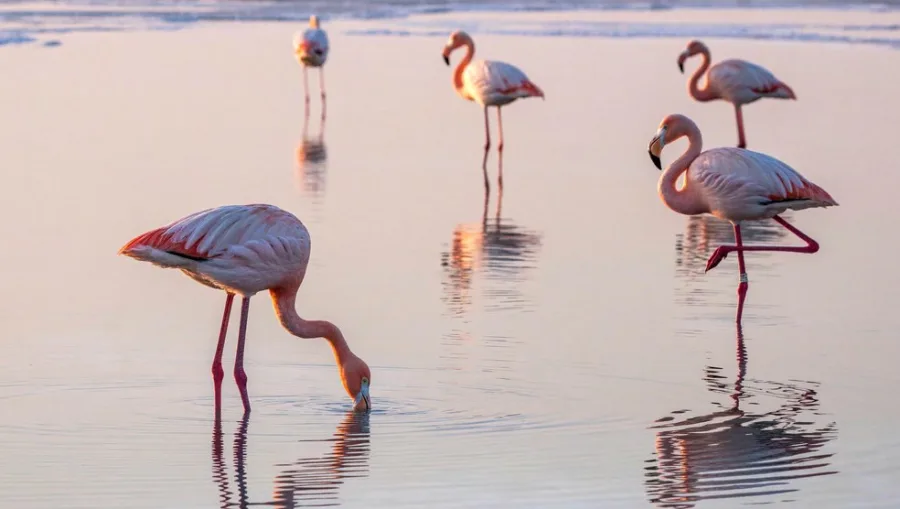
A wildlife photograph of pink flamingos wading in still shallow water at sunrise, one bird feeding in the foreground, a soft pastel pink sky reflected in the water, long telephoto lens, calm and quiet mood.
생성기에서 사용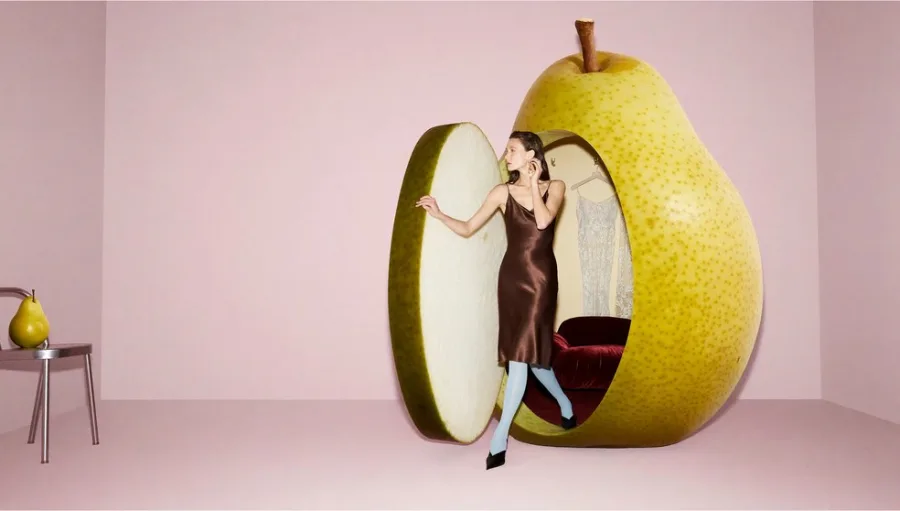
A surreal fashion photograph in a pale pink studio: a model in a brown satin slip dress steps out of a giant hollow yellow pear with a red velvet seat inside, a small real pear on a chrome stool, soft even light.
생성기에서 사용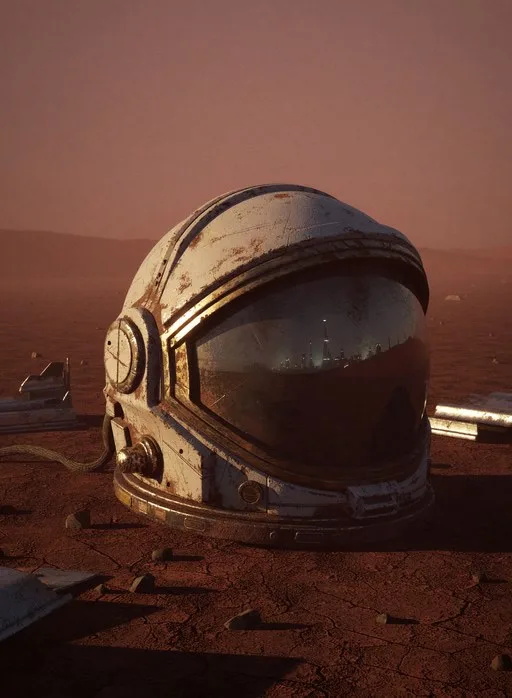
A photoreal still life on Mars: a weathered, dust-covered astronaut helmet lies on red rocky ground at dusk, the scratched visor reflecting the horizon, scattered debris, hazy orange atmosphere.
생성기에서 사용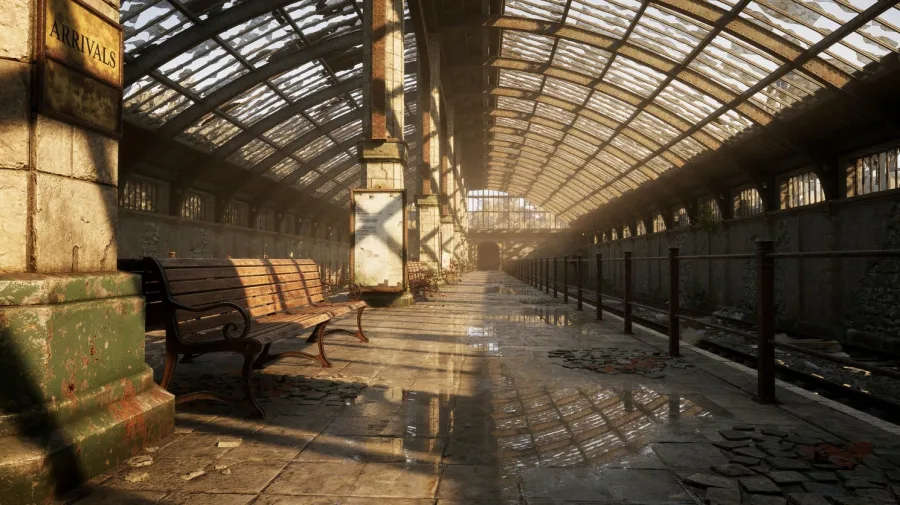
An environment concept: an abandoned railway station with a broken glass-and-iron roof, long sunbeams across the wet platform, wooden benches and rusted rails, an old sign reading "ARRIVALS" on the left pillar.
생성기에서 사용여기서 H3 Image를 써 봐야 하는 이유
오픈 웨이트는 무료지만 돌리는 일은 그렇지 않습니다. TryH3Image는 H3의 두 버전을 한곳에 모아 브라우저 탭에서 바로 쓸 수 있게 했습니다.
초안은 Standard, 4K는 Ultra
Standard의 1K나 2K로 아이디어를 빠르게 확인한 뒤, 같은 프롬프트를 오픈 웨이트 H3 Image인 Ultra로 바꿔 1.5K, 2K, 3K, 4K로 완성하세요.
참조 이미지 최대 9장으로 편집
제품, 캐릭터, 방 사진을 올리면 H3 Image가 하나의 장면으로 합칩니다. 바뀌면 안 되는 부분을 알려 주면 그 부분만 그대로 유지합니다.
135GB를 받을 필요 없음
모델 가중치와 H3 텍스트 인코더를 합치면 약 135GB이고 데이터센터급 GPU가 필요합니다. 여기서는 프롬프트만 입력하면 노트북이든 휴대폰이든 이미지를 받을 수 있습니다.
실패하면 크레딧 반환
생성이 실패하면 해당 크레딧이 자동으로 잔액에 돌아옵니다. 어려운 프롬프트를 시험해도 완료되지 않으면 비용이 들지 않습니다.
H3 Image 사용 방법
아이디어에서 이미지 다운로드까지 세 단계면 충분합니다.
- 1
프롬프트를 쓰거나 참조 이미지 추가
장면 하나를 쉬운 문장으로 설명하세요. 편집하려면 사진을 최대 9장 올리고 바꿀 부분과 남길 부분을 적으세요.
- 2
버전과 크기 선택
Standard 또는 Ultra를 고르고, 가로 3:1부터 세로 1:3까지 15가지 비율 중 하나와 필요한 해상도(Ultra는 최대 4K)를 선택하세요.
- 3
생성하고 다운로드
생성을 실행하고 기록에서 결과를 비교한 다음 JPEG, PNG, WebP 중 원하는 형식으로 내려받으세요.
H3 Image로 만드는 것들
H3 Image는 디테일과 사실감이 중요한 작업에서 가장 강합니다.
제품 사진과 광고 이미지
소재의 질감이 살아 있는 스튜디오 컷, 또는 참조 편집으로 제품 사진을 새로운 배경에 배치한 이미지.
포스터, 표지, 카드
따옴표로 감싼 짧은 제목이 들어간 레이아웃. 행사 포스터, 책 표지, 일러스트 카드 등.
콘셉트 아트와 배경
게임과 영화의 세계관, 크리처, 소품을 4K로 렌더링해 큰 화면에서도 디테일이 살아 있습니다.
사진 편집과 합성
장면의 조명을 바꾸고, 색을 교체하고, 회색 3D 렌더를 영화 스틸로 바꾸거나, 제품 사진으로 빈방을 꾸밀 수 있습니다.
H3 Image 프롬프트 팁
H3 Image는 자세한 영어 장면 묘사를 가장 잘 이해합니다. 아래 습관은 MiniMax와 커뮤니티의 가이드에서 가져왔습니다.
먼저 어떤 이미지인지 말하기
"a 35mm film photograph", "an illustrated tarot card", "a frame from an anime series"처럼 매체부터 적으세요.
장면은 하나만
서로 관계없는 아이디어를 나열하지 말고 시점, 주요 피사체 하나, 빛의 방향을 적으세요.
넣을 글자는 따옴표로
렌더링할 글자는 따옴표로 감싸고 짧게 쓰세요. 제목과 라벨은 잘 나오지만 긴 본문은 덜 안정적입니다.
과장된 단어는 빼기
"stunning", "8k", "masterpiece" 같은 단어는 이미지를 번들거리고 채도가 과하게 만듭니다. 담백한 묘사가 더 낫습니다.
편집할 때는 결과를 설명하기
완성된 이미지에 무엇이 보여야 하는지, 무엇이 바뀌면 안 되는지 적으세요. 예: 트럭은 빨간색, 나머지는 그대로.
H3 Image 자주 묻는 질문
MiniMax H3 Image와 여기서 사용하는 방법에 대한 짧은 답변입니다.